
Remote teams face unique challenges in communication, collaboration, and productivity, especially in the increasingly popular hybrid work environment. The right software tools can significantly enhance workflow, ensuring that team members stay connected and efficient, regardless of their physical location. From project management applications to communication platforms, selecting the right tools is crucial for success.
In a remote work setting, teams must rely on technology to bridge the gap between members who may be spread across different time zones and locations. Essential software can streamline processes, facilitate real-time communication, and foster collaboration, effectively mimicking the dynamics of in-person interactions. By leveraging these tools, hybrid teams can maintain a cohesive work culture and drive productivity.
As remote and hybrid work continues to evolve, identifying must-have software tools is essential for companies aiming to thrive. Employees can benefit from tools that not only enhance task management and project tracking but also support team bonding and engagement. The right software suite can create a balanced and productive remote work environment, making it easier for teams to achieve their objectives.
Essential Team Communication Tools
Effective communication is crucial for remote teams. Utilizing the right tools can enhance collaboration and ensure seamless connectivity among team members.
Real-Time Messaging Platforms
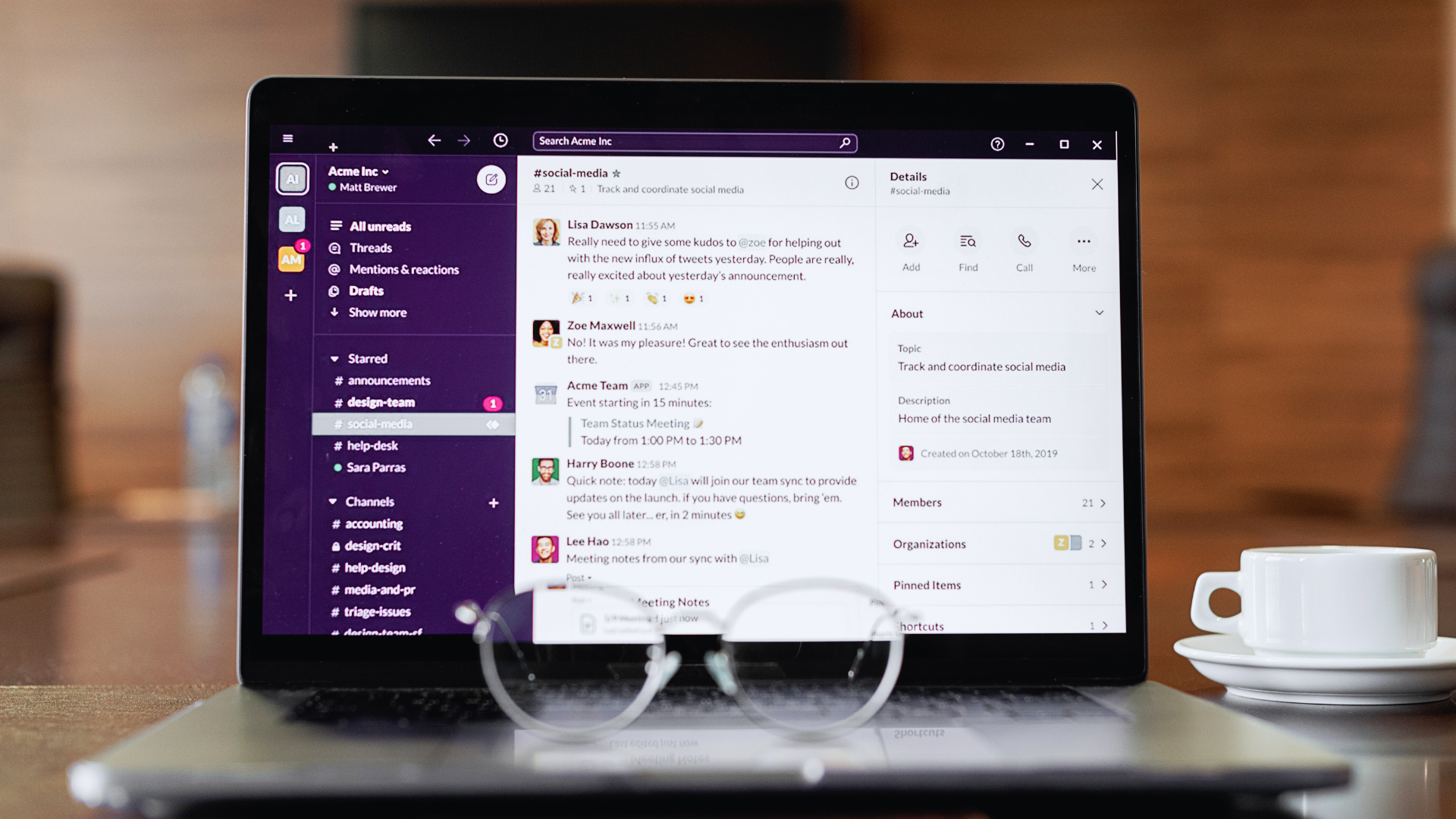
Real-time messaging platforms are central to daily communication within remote teams. Slack is a popular choice, offering organized channels and threads that help maintain topic-focused conversations. Users can send direct messages for quick discussions or share files effortlessly.
Microsoft Teams provides another strong option, integrating with other Microsoft 365 applications. Its channels make it easy for teams to engage in discussions and manage projects in dedicated spaces. Both platforms emphasize notifications, allowing teams to stay updated on important messages.
Comparison of Key Features:
|
Feature |
Slack | Microsoft Teams |
|
Channels |
Yes | Yes |
| Direct Messaging | Yes |
Yes |
| Integration with Tools | Extensive |
Microsoft Suite |
Video Conferencing Solutions
Video conferencing solutions enable face-to-face interactions, fostering stronger connections among team members. Zoom is widely recognized for its ease of use and expansive features. With options for video meetings, screen sharing, and breakout rooms, Zoom accommodates both small and large team gatherings.
Teams can also utilize Microsoft Teams for video calls, which seamlessly integrates with their messaging functionalities. This reduces the need to switch platforms for different types of communication. Video conferencing platforms typically support webinars, allowing teams to host presentations or training sessions for larger audiences.
Key Features of Video Conferencing Tools:
- HD Video Quality
- Screen Sharing
- Recording Options
- Breakout Rooms for Group Discussions
Direct and Instant Messaging Options
Direct and instant messaging options facilitate quick communication among team members. Messaging tools like Slack and Microsoft Teams allow users to send messages instantly, making it convenient to resolve issues or share updates swiftly.
These platforms often support emoji reactions and threaded conversations, which enhance engagement and organization. Users can keep discussions relevant by tagging team members, ensuring that everyone stays informed.
Effective usage of direct messaging can help maintain momentum in projects, allowing teams to address questions or feedback quickly. This instantaneous method of communication proves essential in a remote work environment.
Project and Task Management Platforms
Project and task management platforms are essential for remote teams to coordinate and execute their tasks efficiently. These tools facilitate collaboration, tracking progress, and enhancing productivity through various features tailored for diverse project needs.
Visual Project Management Boards
Visual project management boards, such as those offered by Trello and Asana, employ the Kanban method to display tasks in a visually engaging way. Teams can create boards that represent different stages of their projects, using cards to symbolize each task.
These boards allow for easy drag-and-drop functionality. Team members can move tasks between stages like “To Do,” “In Progress,” and “Done.” ClickUp and monday.com also provide customizable board views, accommodating various workflows.
Integrating power-ups or extensions enhances functionality, offering features like calendar views or task dependencies to streamline processes.
Advanced Task Tracking
Advanced task tracking features in platforms like ProofHub and ClickUp enable teams to monitor project progress closely. These tools offer comprehensive tracking options, including time spent on tasks, deadlines, and priorities.
Automated reminders ensure that team members stay on target with their schedules. Utilizing Gantt charts, teams can visualize task timelines and dependencies, helping with long-term planning.
Moreover, detailed reporting tools provide insights into team performance, highlighting bottlenecks and areas for improvement. Customizable task lists keep things organized, allowing teams to prioritize effectively.
Workflow and Automation Features
Workflow management capabilities are critical for optimizing efficiency in remote teams. Platforms like Asana and monday.com allow users to design customizable workflows that suit team needs.
Automation features help to minimize repetitive tasks. For instance, automatic task assignments can route responsibilities based on project stages or team availability.
Additionally, teams can set up triggers for notifications or updates when tasks change status. Streamlining these processes enhances collaboration, ensuring that every team member remains informed without constant check-ins.
Collaboration and Document Sharing Software
Effective collaboration and document sharing are vital for remote teams. Utilizing the right software tools enhances productivity, streamlines communication, and fosters teamwork among distributed members.
Cloud Storage and File Sharing
Cloud storage solutions, such as Dropbox and Google Drive, provide secure file sharing and storage for remote teams. These platforms allow users to upload, share, and access files from any device with an internet connection.
Key features include user permissions, version control, and real-time syncing. Teams can collaborate on documents without the risk of losing previous versions or mixing up files. Integration with other tools, like Google Workspace and Microsoft 365, allows seamless transitions between different applications, ensuring efficiency in daily operations.
Real-Time Document Collaboration
Document collaboration tools, such as Google Docs and Notion, enable teams to work together in real-time. Multiple users can edit documents simultaneously, which significantly enhances productivity during brainstorming sessions or project planning.
Features like commenting and suggestions allow for feedback without altering the original content. Integrations with Google Meet facilitate video conferencing, allowing teams to discuss changes on the fly. This immediacy helps in addressing concerns quickly and enhances communication among remote members.
Virtual and Online Whiteboards
Virtual whiteboards, like Miro and Microsoft Whiteboard, provide interactive spaces for teams to brainstorm and visualize ideas. These tools emulate physical whiteboards, allowing users to draw, add text, and organize thoughts collaboratively.
Key advantages include the ability to create flowcharts, diagrams, and sticky notes, all in real time. They can also integrate with other collaboration tools and calendars, facilitating planning and collaboration sessions. Remote teams find these whiteboards particularly useful for workshops, training, and project kick-offs.
Productivity Optimization and Integration Tools
Effective productivity optimization and integration tools are crucial for ensuring that remote teams function efficiently. These tools assist in time management, enhance team collaboration, and streamline workflows through various functions. The following subsections focus on essential software that can significantly impact productivity.
Time Tracking and Focus Management
Time tracking tools help remote teams monitor work hours and focus time, providing insights into productivity patterns. Tools like Toggl and Harvest allow users to log hours spent on specific tasks. This transparency can lead to a better understanding of where time is allocated.
Focus management tools such as Forest and RescueTime promote enhanced concentration by allowing individuals to set goals for focused work periods. Users can minimize distractions and allocate time effectively. Combining these tools enables teams to identify productivity trends and minimize burnout by creating sustainable work habits.
Integration and Automation Platforms
Integration platforms streamline workflows by connecting various applications that team members use daily. Zapier stands out by allowing users to automate repetitive tasks between applications without coding knowledge. This integration enhances efficiency, reducing manual work.
AI-driven tools also play a role in scheduling and task management. Tools like Todoist allow for advanced integrations and automation, helping teams prioritize tasks effectively. Real-time updates across these integrated platforms ensure that all team members remain on the same page, increasing collaboration and responsiveness.
Reporting and Information Retrieval
Reporting tools enable remote teams to track performance metrics and gather insightful data. Software like Google Analytics and Tableau enables detailed analysis of productivity data, helping teams make informed decisions based on reports.
Information retrieval tools assist in accessing essential documents and data quickly. Solutions such as Notion and Evernote organize team knowledge bases, ensuring that information is easy to find. Efficient reporting and retrieval processes inform strategic planning and keep teams aligned with their goals.
Leave a Reply