
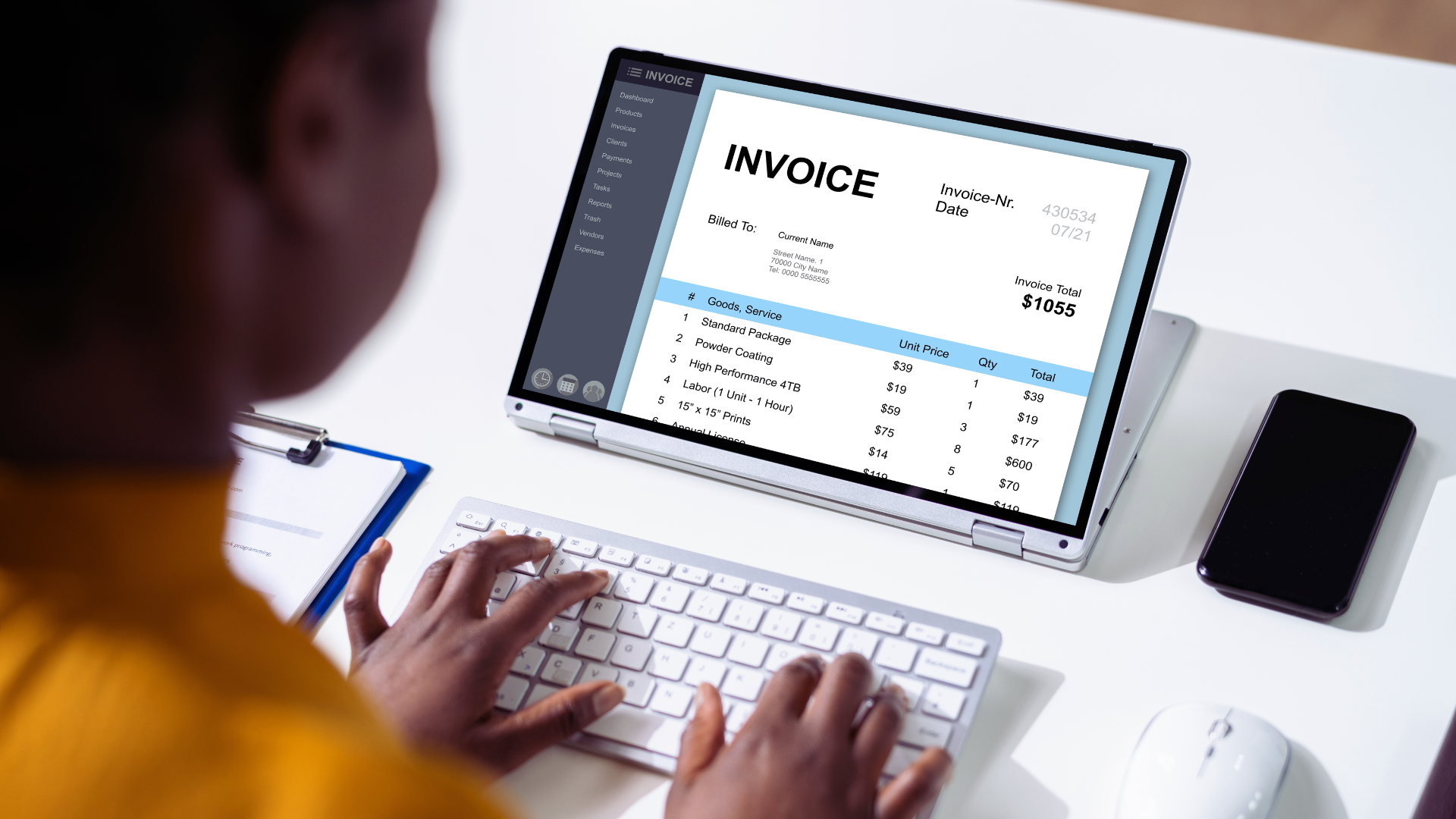
Freelancers and small businesses often face unique challenges when it comes to invoicing. Choosing the right invoicing tool can streamline their financial processes, helping to save time and reduce stress. With a range of options available, finding the best tools tailored to specific needs can significantly impact efficiency and cash flow management.
Invoicing tools designed for freelancers and startups provide essential features like easy invoice creation, payment tracking, and automated reminders. Many of these tools also offer integrations with accounting software, making it easier to manage finances in one place. As these businesses focus on growth, efficient invoicing becomes crucial to maintaining strong client relationships and ensuring timely payments.
With the right invoicing solution, freelancers and small business owners can enhance their professionalism and increase productivity. This blog post will explore some of the top invoicing tools available, highlighting their key features and benefits for users looking to simplify their financial workflow.
Key Features of the Best Invoicing Tools
The effectiveness of invoicing tools lies in their ability to streamline billing processes, enhance customization, and integrate payment solutions. The following features are essential for freelancers and small businesses to manage their invoicing efficiently.
Automation and Time-Saving Workflows
Automation is critical for improving efficiency in invoicing. Tools that offer recurring invoices allow freelancers to bill clients on a set schedule without manual input. This feature helps maintain consistent cash flow.
Automatic reminders ensure that clients are prompted about upcoming payments or overdue invoices. This can significantly reduce late payments and improve client trust in a business.
Moreover, invoice processing automation minimizes data entry errors by generating invoices directly from project details or timesheets. This results in less time spent on administrative tasks and more focus on client engagement and service delivery.
Customization and Professional Branding
Customization options play a vital role in creating a professional image. The best invoicing tools provide custom invoice templates that enable users to align invoices with their brand identity. This includes options for adding logos, adjusting colors, and selecting fonts.
Personalization can extend beyond aesthetics. Tools that allow the inclusion of tailored messages or service descriptions enhance client relationships. This builds rapport and conveys professionalism.
Additionally, the capability to handle multi-currency support caters to freelancers working with international clients. This feature ensures accurate billing and enhances the global reach of a business.
Payment Processing and Integration
Efficient payment processing is crucial for timely revenue collection. Leading invoicing tools support various payment methods, including credit card payments and bank transfers. Offering multiple payment options boosts client convenience.
Integration with payment gateways simplifies the billing process by allowing seamless transactions directly from invoices. This not only enhances user experience but also enables payment tracking for real-time financial oversight.
Furthermore, features such as recurring billing and tax calculation streamline the invoicing process for ongoing projects, ensuring compliance with local tax regulations and improving cash flow management.
Expense Tracking and Financial Management
Expense tracking is an essential feature that helps freelancers and small businesses keep their finances in order. Some invoicing tools include integrated expense management functionalities to log and categorize business expenses effectively.
This allows users to gain insights into their financial health and identify spending patterns. A clear overview of expenses can aid in maintaining profitability and controlling costs.
Moreover, financial management tools within invoicing software often provide analytics and reports. This enables users to assess their cash flow and make informed decisions about future business strategies. Automation in this area ensures that freelancers can focus more on their core business activities rather than paperwork.
Top Invoicing Tools for Freelancers and Small Businesses
Selecting the right invoicing tool can greatly enhance a freelancer’s or small business’s workflow. The following tools cater to a range of business needs, offering features such as professional invoices, automated invoicing, and customer support.
FreshBooks
FreshBooks is tailored specifically for freelancers and small businesses. Its user-friendly interface enables quick invoice creation, allowing users to send professional-looking invoices within minutes.
Key features include automated invoicing, expense tracking, and time tracking, making it ideal for contractors. FreshBooks also provides robust customer support options, ensuring that users can resolve issues efficiently. Its scalability allows users to upgrade plans as their business grows.
QuickBooks Online and QuickBooks
QuickBooks Online delivers extensive accounting features alongside invoicing capabilities. It supports automated invoicing and recurring payments, simplifying the billing process for small businesses.
Users benefit from features like expense tracking, reporting, and integration with various applications. Customer support is available via chat, phone, and online resources. QuickBooks also offers multiple plans that cater to different business sizes and industries, allowing for easy scalability.
Zoho Invoice
Zoho Invoice offers a comprehensive invoicing solution that is highly customizable. It empowers users to create and send invoices in multiple currencies, making it suitable for businesses with international clients.
Automation is a standout feature, enabling recurring invoices and payment reminders. Zoho also integrates with other Zoho applications and third-party tools, enhancing functionality. Customer support is accessible through multiple channels, ensuring user satisfaction.
Xero
Xero is known for its simplicity and efficiency in invoicing alongside full accounting capabilities. It features automated invoicing and enables users to set up recurring billing with ease.
Xero supports integration with numerous applications, which enhances its versatility. The platform also offers powerful reporting tools, helping users track their financial health. Customer support is offered through online resources and direct contact channels, making it accessible when needed.
Wave
Wave is a free invoicing software ideal for freelancers and small businesses with basic needs. Users can create and send unlimited invoices with no hidden fees, making it cost-effective.
Wave includes features such as automated invoicing and payment tracking. While it lacks some advanced features compared to paid tools, it is a solid choice for startups. Customer support is available via email and online resources, offering guidance for users who require assistance.
Choosing and Implementing the Right Solution
Selecting the right invoicing tool is a crucial step for freelancers and small businesses. This choice involves understanding specific business needs and ensuring that the software can grow with the business.
Assessing Business Needs and Scalability
Before selecting an invoicing tool, it’s important to conduct a thorough assessment of the business’s unique needs. Key aspects to consider include the volume of invoices generated, integration with existing systems, and payment processing options.
A scalable solution is essential for growing businesses. It should accommodate increased invoice volume and additional features without a complete overhaul. Evaluating pricing structures is also vital, as unnecessary upgrades might hinder cash flow.
Key considerations:
- Volume of invoices
- Integration capabilities
- Payment processing options
- Pricing structures for growth
Onboarding and Customer Support
A smooth onboarding process can significantly impact the user experience. Effective software should offer resources such as tutorials, user guides, and responsive support teams. This aids freelancers and small businesses in quickly adapting to new systems.
Customer support is equally important. The availability of assistance—preferably 24/7—can prevent disruptions in business operations. Look for platforms offering live chat, email support, and comprehensive FAQs.
Important onboarding features:
- Tutorials and guides
- Responsive customer support
- Multiple support channels (chat, email, FAQs)
Monitoring and Optimization
Once an invoicing solution is in place, continuous monitoring is essential for maximizing efficiency. Businesses should evaluate the software’s performance, assessing how well it meets invoicing needs over time.
Identifying areas for optimization ensures that the tool adapts to changing business landscapes. Regular feedback from users can inform necessary adjustments and updates. This approach keeps the invoicing process streamlined and effective.
Approaches to monitoring:
- Regular performance assessments
- User feedback mechanisms
- Software updates for optimization
Leave a Reply